Custom Time Tracking Software
Built for Complexity. Bring Us Your Challenges.
We custom design systems that simplify multi-job, multi-union, and multi-layered operations — so you can run faster, cleaner, and more profitably. From field time and expense tracking, job logs to payroll integration, we turn operational chaos into scalable systems custom built for how you want to work.
Time Tracking Isn't Simple Anymore
For companies in construction, field services, and multi-location operations, time tracking isn’t just clocking in and out.
The resulting silos lead to spreadsheets, text messages, paper logs — and a lot of guesswork.
Modern operations involve navigating:
- Multiple job sites and cost codes
- Employees working across different unions
- Geographic wage and fee variations
- Manual approvals and last-minute corrections
- Payroll systems that don’t "talk" to field data
Built Around Your Operation
Zone 4 Interactive doesn't force your business into a rigid system. Instead, we build a solution around how you actually operate.
The software adapts to you — not the other way around.
What this means in practice:
- Custom time tracking workflows
- Job-specific data capture
- Approval processes that match your team structure
- Seamless integration with your existing tools
Time Savers For Your Whole Team
Time Savers For Admins
- Standardized forms and templates
- Centralized information (Single Source of Truth)
- Automated time tracking & approvals
- Streamline injury report processing
- Centralized and digitally documented expense reporting
- Error prevention - error fixing
- Limits one-off requests
- Better integration between systems
- Batch processing tasks
- Custom reporting for job costing, government contracts and more
Time Savers For Users
- One tap time entry
- Mobile first experience
- Real-time daily entry
- Simple job and cost code selection
- Auto-populate job numbers and job descriptions
- Minimal training required
- Send expenses and receipts digitally
- Initiate injury reports on the go
- View/read/watch safety information
- Fast login access
Additional Core Features
Location Tracking
Location tracking & IP address verification for crew audit trails.
Job Costing
Integrates work hours directly with job costing and phases.
Job Logs & Reports
Generate detailed daily logs and productivity reporting from the field.
Scheduling Integration
Sync scheduling sheets directly with employee timesheets.
Why Companies Choose Our Custom Tracker
Because they are tired of:
- Patching together multiple tools that do not speak to each other.
- Fixing calculations and formatting errors every single pay period.
- Operating without real-time labor visibility and cost analytics.
And they are ready for:
- A software system that actually fits their unique business structure.
- Direct automation that saves hours of administrative time.
- Accurate data and people they can trust to keep systems running.
"The seamless integration with our accounting and payroll systems has been a huge win. We did not have to change how we work, the software adapted to us."
Frequently Asked Questions
How does the time tracking app make sure employees get paid correctly?
Our system captures time in real-time and ties it directly to jobs and cost codes — eliminating missed hours, guesswork, and manual entry errors. Admins can review hours before they're finalized or after the weekly cut off time to ensure payroll is always accurate and any adjustments can be made before submitting to your payroll service and accounting software.
How difficult is it to train teams on the Z4 Time Tracker system?
It's designed to be simple in the field and powerful in the office. Most teams are up and running quickly, with minimal training required. With anything new, there is an adoption process. Most have no problems, but a few slow adopters in every group. We are happy to help work through their issues with you hand-in-hand.
How does the Z4 time tracker reduce administrative workload?
By capturing accurate data at the source, you eliminate chasing down timecards, fixing manual errors, re-entering data into payroll systems, and performing duplicate calculations. What used to take hours can be done in minutes.
What happens if something changes after time is submitted?
Edits can be made by admins with proper permissions, and every change is logged with a full audit trail — so you always know what was updated and why.
How do approvals and workflows work?
You can set up multi-level approvals (employee → foreman → project manager → office). Each step is tracked, so nothing slips through and everything is verified before payroll is executed.
Can it support union and non-union employees together?
Yes. You can track union and non-union employees side-by-side, each with their own rules, classifications, and reporting requirements mapped out into the system logic.
What if our workflows are unique or complicated?
That's exactly what this is built for. The system is flexible and configurable to match how you already operate — rather than forcing you into a rigid commercial process.
Does it work with our existing payroll or accounting system?
Yes. We integrate with major systems like QuickBooks, Foundation, and Sage 100, or provide clean exports that match your required format. Compatible payroll systems include ADP, Paychex, Paylocity, and others.
What kind of reports can the Z4 Time Tracker generate?
You can generate detailed reports by: Employee, Job or Project, Cost code or Phase, Date range, and Union/classification. This gives you clear insight into labor costs, productivity, and profitability.
What are the plans and pricing for the Z4 Time Tracker?
Our system is custom built for each client. The monthly cost is approximately $5-10/month per user with a one-time setup fee. The final price depends on the exact custom feature requirements.
Can the Z4 Time Tracker handle multiple jobs, crews, and cost codes at the same time?
Yes. Employees and users can be assigned (and assign their time) to specific jobs, phases, and cost codes — and switch between them throughout the day. Everything stays organized and accurate.
Can we customize it as we grow?
Yes. As your business evolves — adding more jobs, more crews, more complexity — the system adapts and scales with you. It is custom-built to be future-proof.
Need a Custom
Solution?
Tell us about your project and we'll design the perfect technology solution for your business.
Start Your ProjectInsights and Intel
Helpful tips, insights and data to drive your business
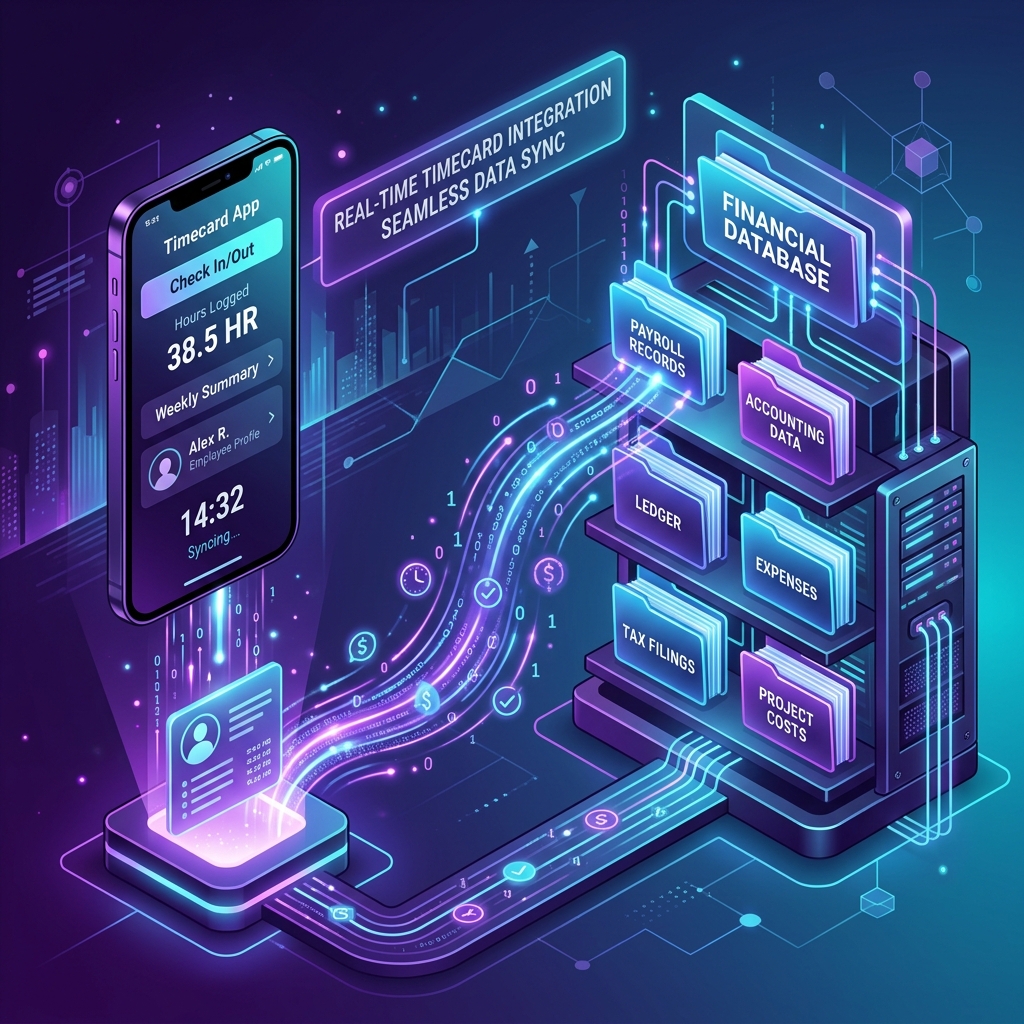
How the Z4 Timecard Application Can Work With Virtually Every Accounting System
For many contractors and businesses, time tracking is not the hard part. Getting clean, accurate data into your accounting system is. Between different software platforms, union requirements, job reporting and costing needs, integration can be a challenge.
Learn More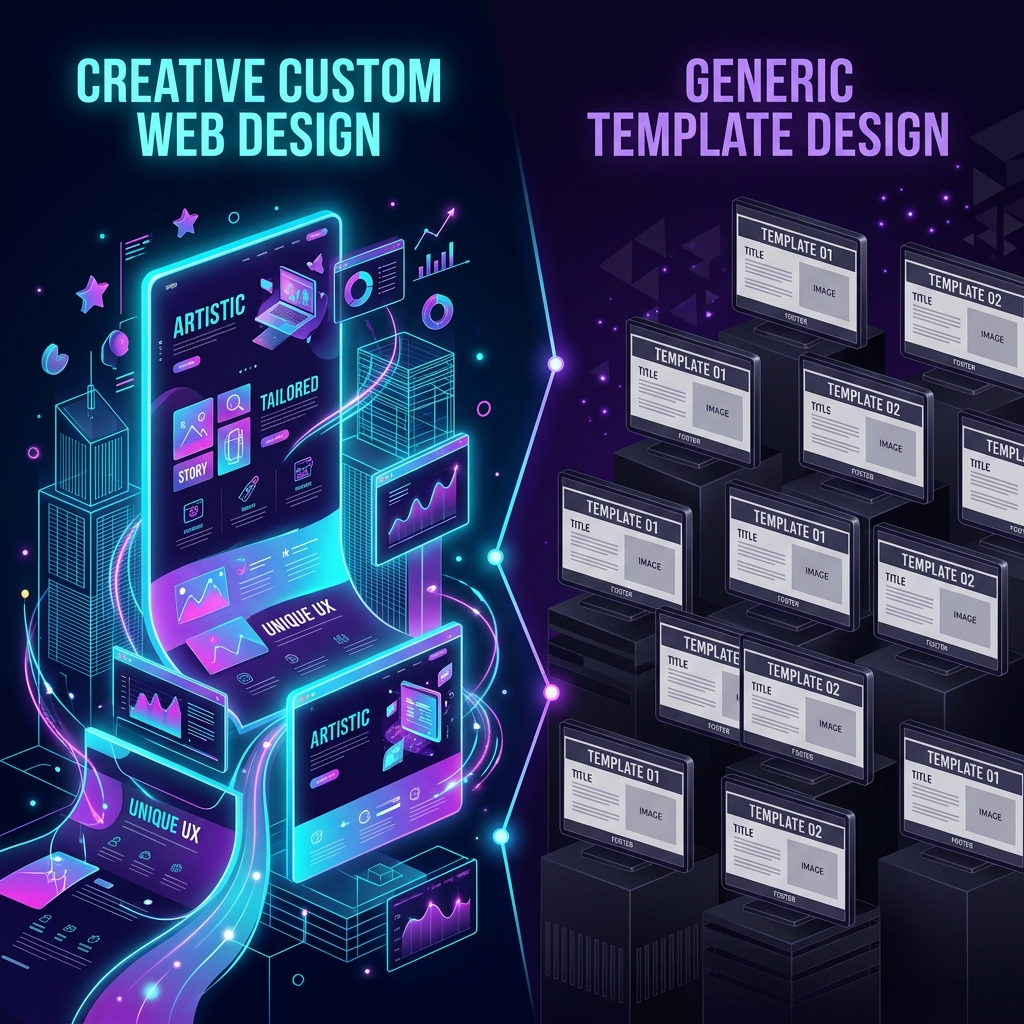
How to Avoid Cookie-Cutter Website Designs
And build a website that actually represents your business. Learn how businesses can avoid templates and generic headlines to establish custom structure, messaging, and real visuals.
Learn More
Why Time Tracking Fails (and What Actually Works)
Time-tracking should be simple. Yet for many companies, it has become one of the most frustrating parts of the business. Explore why systems fail and how to establish workflow-friendly tracking.
Learn More